MSO1#posta
Microsoft Mail — sign in with Microsoft, sending and reading
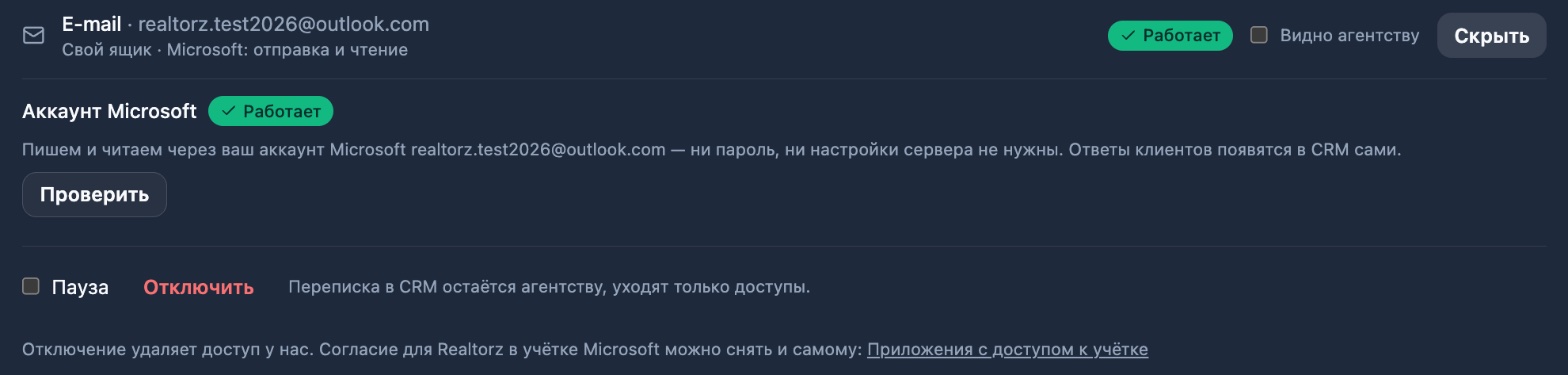
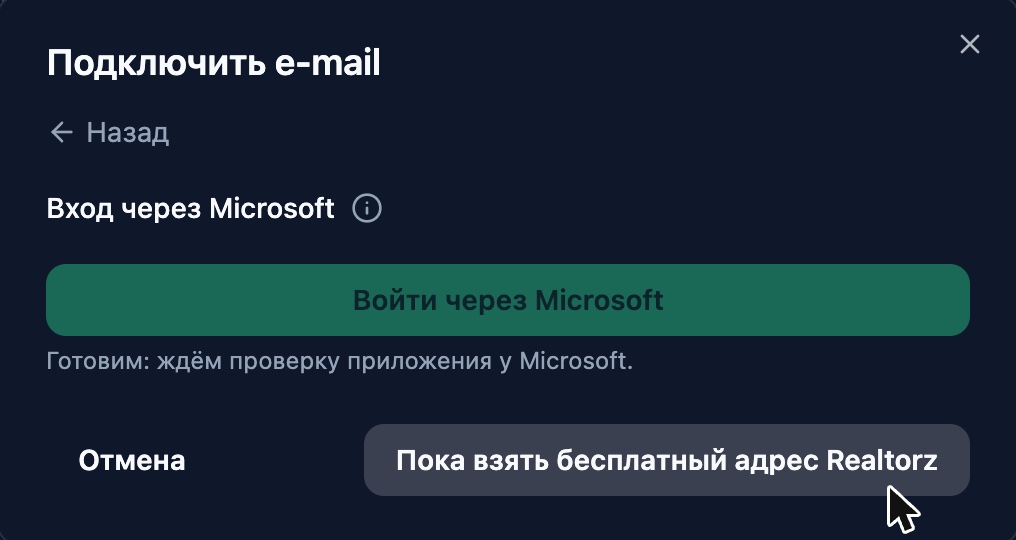
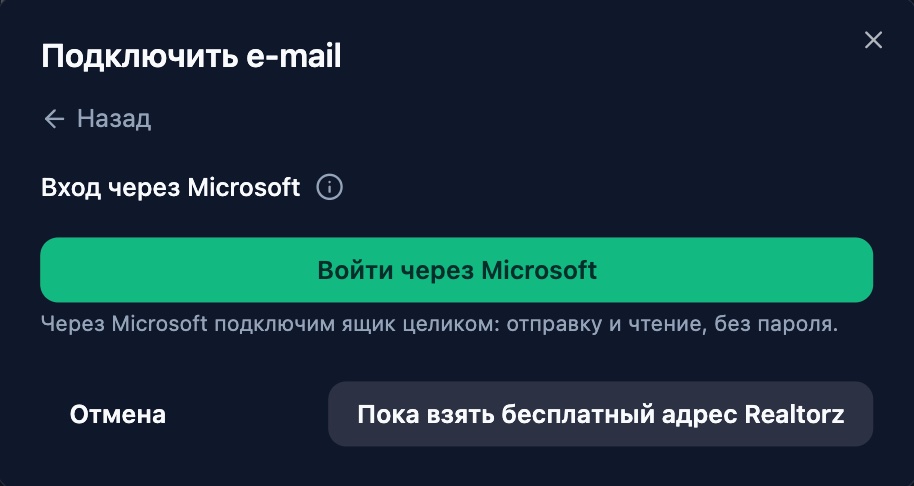
A Microsoft mailbox — business Microsoft 365 or personal Outlook.com — is connected via the "Sign in with Microsoft" button in the "Connect email" window. No password, app password, host or port is required: a single sign-in gives the CRM permission to send from your address and to read your correspondence.
Emails from the CRM are sent from your address and appear in your Sent folder in Outlook. A reply to a client from a CRM thread arrives in the same email chain they see on their end — with attachments of any size within the CRM limits. Client replies are fetched by the CRM automatically; no forwarding setup is needed.
The CRM starts reading your mailbox only with your consent — a checkbox and "Start reading" right after sign-in (or later on the mailbox card); until then, emails are sent and the mailbox row honestly states "sending · reading awaiting consent". Once consent is given, the row in "Channels" reads "Microsoft: sending and reading". On the mailbox card, the status is shown in plain text: "Awaiting first message" immediately after connecting and "Active" as soon as the first message arrives.


If Microsoft revokes access (password changed, administrator ended sessions), the card will show a red row "Microsoft connection expired" and a "Reconnect" button — one sign-in and everything continues working; any message that failed to send is marked with the same reason.